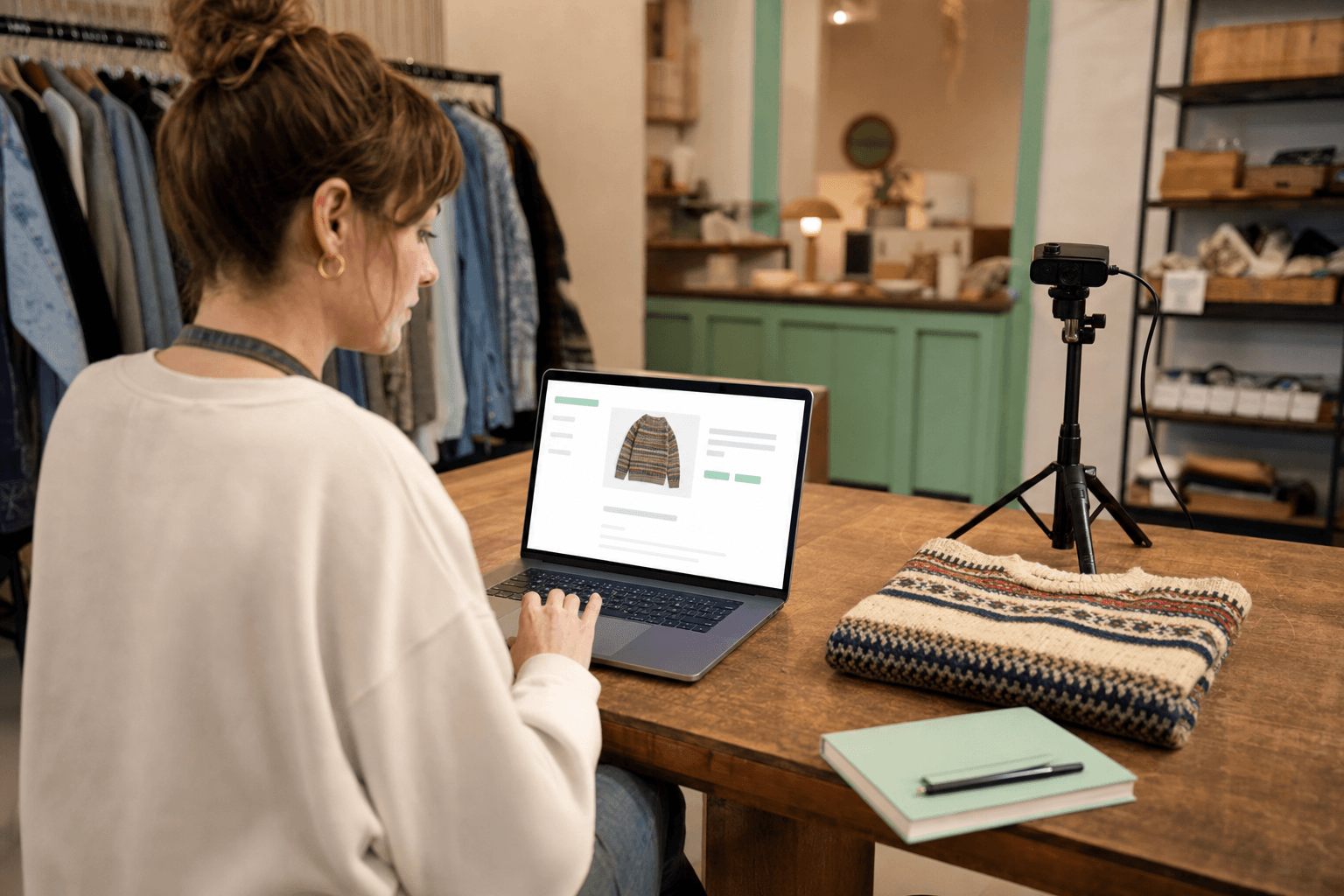
Scan from any laptop with a webcam
Open /scan in Chrome or Edge, allow camera access, and use your built-in webcam, USB overhead camera, or POS cam — same verdict UI as the phone app. Each registered browser counts as one of your four included scanner installs.
Phones + browsers both count · Android live · iOS in review · Webcam works on any laptop
Problem it solves
Back-room triage tables already have a laptop — crews should not need a second workflow just to price donations.
Who it is for
Thrift sorting rooms, estate-sale staging desks, and checkout counters where a tablet or laptop stays fixed while phones walk the floor.
Capabilities
- ✓Uses getUserMedia for live preview, barcode decode, and capture in the browser
- ✓Works with built-in webcams, USB document cameras, and most plug-and-play overhead cams
- ✓Pairs with the same /api/identify pipeline and tag list as Expo — one subscription, mixed surfaces
- ✓Kiosk sessions at /scan/kiosk stay readable on a large screen for walk-up questions
How it works
- 1Open /scan on the laptop you already use at the triage table.
- 2Allow camera access when the browser prompts — pick the correct device if several are listed.
- 3Point the sweater, box, or lot into frame and tap Snap & identify.
- 4Read the verdict, tag price, and barcode hint — then move the item down the belt.
FAQ
Related features
Related industries
Try the browser scanner now — no install
Open /scan on any crew laptop with a webcam and run a real identification in the public sandbox.
$29 Week Pass · $49/mo Pro · $699 Founders Lifetime (cap 100)
Questions? Email hello@pricescout.pro